
Download
Download us2us Drive
Choose a download for your operating system or open the web app in your browser.
Mac
Mac app
A signed disk image, notarized by Apple. There are separate files for Macs with Apple silicon and with Intel processors.
Which one? In Apple menu › About This Mac, “Chip: Apple M…” means Apple silicon; Intel on the “Processor” line means Intel.
What’s inside
- Sync folder: a folder on your computer stays in sync with Drive both ways; if the same file changes in two places, both are kept.
- Free up space on Mac: choose to remove local copies after Drive verifies the upload. Open a file in Drive to download it again.
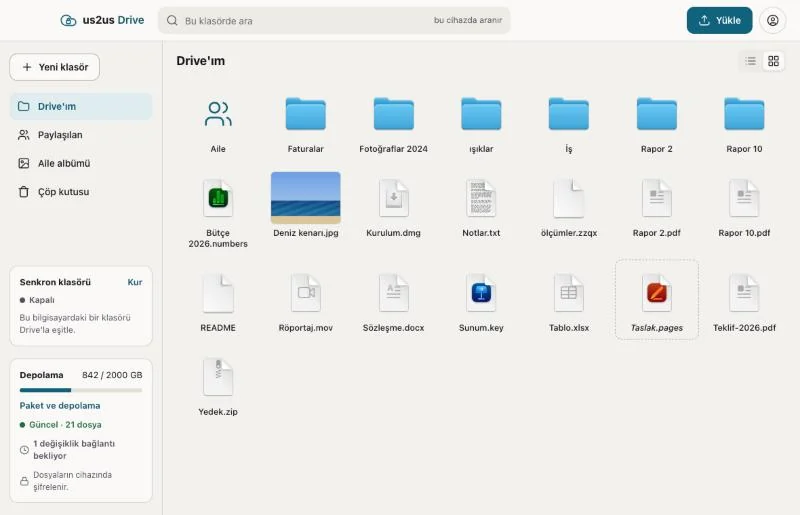
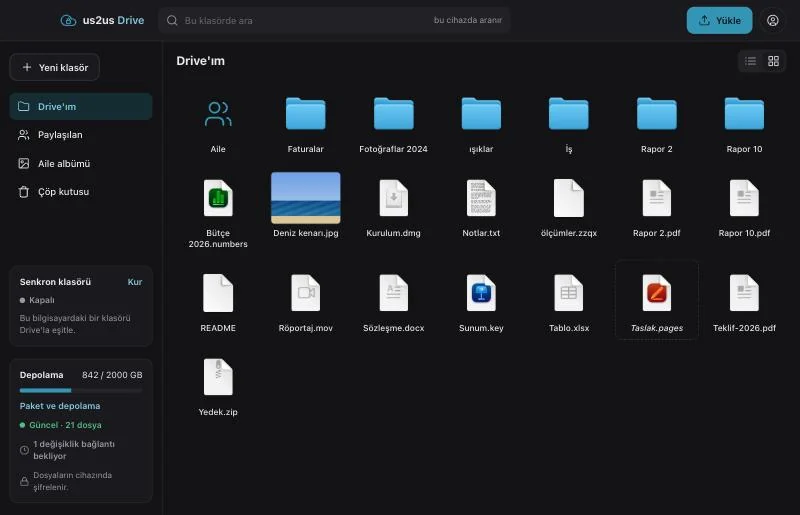
- Feels at home: files show macOS’s own icons and open in their own apps with a double-click.
- Versions and trash: go back to an older version, or restore what you deleted within 30 days.
Install
- Open the DMG you downloaded and drag us2us Drive into the Applications folder.
- Open the app and sign in with your us2usmail.com account.
- If this Mac is the first device on your account, keep the 24-word recovery key; otherwise approve it from another device.
- In the Sync folder card in the sidebar, click Set up: pick the folder on this computer and its match in Drive, then click Start.
Verify your download
The file’s SHA-256 digest must match the one below. You can check it in Terminal:
shasum -a 256 ~/Downloads/us2us-Drive_0.1.10_aarch64.dmg- us2us-Drive_0.1.10_aarch64.dmg
07c13b6309d9c8f32c5db19d343f8dc529dfa866c8e6879cb9c91142eda5a362 - us2us-Drive_0.1.10_x64.dmg
7712f5fe31b3f770df0de8bb6e0acdd90f5a0ab0f0f98ed73d42f385ad82c26c
Web
Web app
Nothing to install: app.us2usdrive.com. Sign in with your us2usmail.com account, then add this browser to your account by approving it from another device or typing your recovery words.
- Drive and Photos in your browser; files are encrypted and decrypted in the browser.
- If you do not ask the browser to remember you, its keys are deleted when you close the tab.
Apps
Windows, Linux and mobile
iPhone and iPad
Your photos back up by themselves; “Free up space” makes room on your phone.
App StoreComing soonAndroid
Your photos back up by themselves; “Free up space” makes room on your phone.
Google PlayComing soonWindows
Desktop app for Windows 10 and 11.
Microsoft StoreComing soonLinux
For 64-bit Linux systems with Snap (x86-64). Before signing in for the first time, run
Install from the Snap Storesudo snap connect us2us-drive:password-manager-serviceto give Drive access to your system keyring.
Download us2us Drive only from the links on this page and the official stores.